
The problems nobody sees become emergencies everyone feels. Roofs age, HVAC and plumbing systems approach the end of their useful life, athletic facilities need investment, and buildings require more work than available funding can cover.
A strong capital plan should be more than a list of projects. It should tell a clear story about what the district owns, the condition of those assets, the risks being managed, and why one investment deserves priority over another.
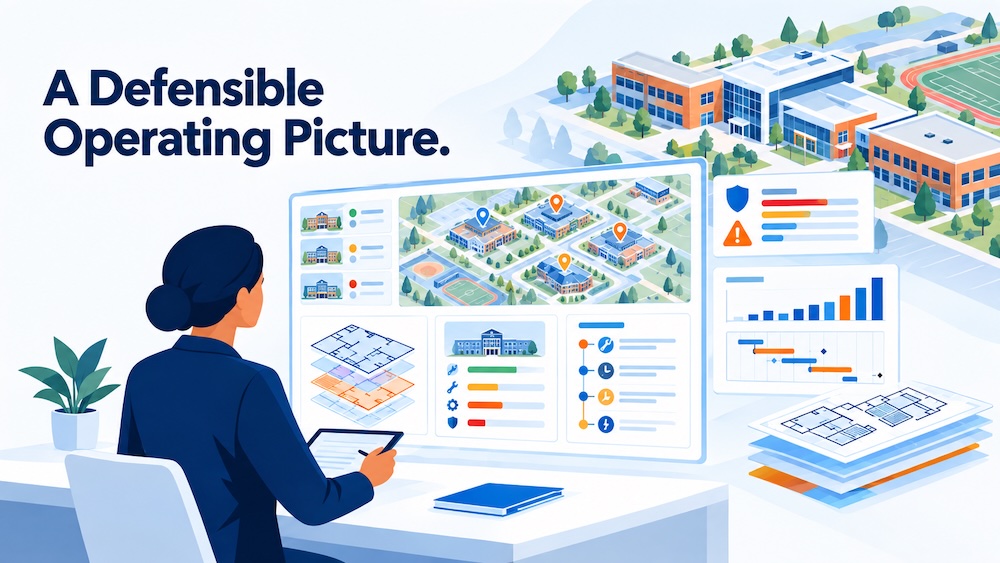
That story starts with a defensible operating picture: a current, shared understanding of the district’s facilities, assets, work, risks, and priorities. Before the next budget cycle, every district should be able to answer five questions.
Do we know what assets we have—and what condition they are in?
An asset list is a starting point. It is not the same as knowing the assets.
For each important asset, facilities leaders need to understand its location, age, condition, useful life, maintenance history, warranty status, and likely replacement cost. A spreadsheet that says a district has 42 rooftop units does not show which one is approaching the end of its lifecycle or has required repeated repairs.
A useful facilities asset index connects each asset to its location, condition, history, and relative priority. In one district, an outside company completed a comprehensive index across 42 campuses. The inventory took four months, but the value came from what the district could do with the information afterward: compare needs, evaluate risk, plan replacements, and explain priorities to the board.
Ask yourself:
- If an asset became a problem tomorrow morning, could we find it quickly?
- Could we see its service history, warranty status, and previous repairs?
- Could we estimate when replacement should occur?
- Could we compare its risk with other assets across the district?
If not, that gap shows where to begin.
Can staff access and update the information they need?
Good information is only useful when the people doing the work can find it and keep it current.
If a technician must call several people, check old spreadsheets, find a paper file, and ask someone who has worked in the building for decades, the district has an access problem as well as a data problem.
The same information should support work orders and preventive maintenance, inspections, photographs, warranties, repair history, and replacement recommendations. Staff should be able to update the record as work is completed so the next person does not have to reconstruct the history from memory.
Imagine that an air handler fails tomorrow morning. Could your team quickly answer:
- Where is it, and what model is it?
- How old is it, and when was it last serviced?
- What parts have been replaced?
- Has it failed before?
- Is it under warranty?
The speed and confidence of the answers reveal the strength of the operating picture.
Do we know the difference between urgent and important work?
Every district has more problems than it can solve immediately. That makes prioritization unavoidable.
The loudest problem is not always the most important one. A visible leak, a failed air conditioner, or a high-profile complaint may demand an immediate response. At the same time, an asset that is still operating may represent a greater long-term risk because it is past its lifecycle or has a history of repeated repairs.
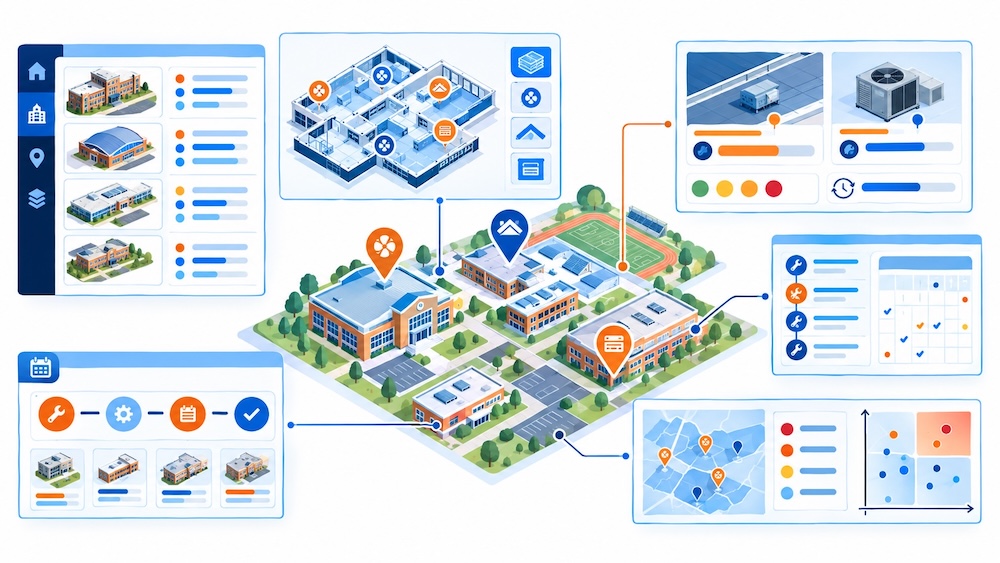
Without a shared method for prioritizing, facilities teams can become driven by the latest request or the person making the most noise. A reliable index gives leaders another way to make decisions through a broader operational-excellence approach. It helps distinguish what is urgent today from what is important to address before it becomes an emergency.
The goal is not to ignore customer service or delay work that affects people. It is to make decisions with enough information to explain why one need comes first—and recognize risks that are not generating complaints yet.
When facilities leaders can see the full picture, they can move from reacting to failures toward managing risk across the district.
Is this the right time to spend the money?
Maintaining an asset and managing its lifecycle are not the same thing. A district can spend significant money keeping an aging asset operating and still be making an inefficient decision.
The question is not whether every old asset should be replaced immediately. The question is whether the district is making a deliberate choice based on the asset’s condition, history, remaining useful life, replacement cost, and risk.
Consider a rooftop unit that is still working but has reached the end of its expected life. A district can wait for it to fail during the hottest week of the year, when contractor availability may be limited and the cost is unexpected. Or the district can recognize the approaching risk, plan the work, and decide when replacement makes the most sense.
Sometimes the right decision will be to continue maintaining an older asset. Sometimes it will be to replace it before failure. The important point is that the decision should be visible, deliberate, and supported by reliable information.
Lifecycle planning helps facilities leaders avoid treating every replacement as an emergency. It creates time to budget, coordinate the work, and communicate what may happen if the district waits.
Can we justify our facilities priorities with reliable data?
Justifying a facilities priority means more than sharing data. It means showing that the recommendation has been considered against the other decisions the district could make.
There is a meaningful difference between saying, “We need a new roof,” and explaining:
- How old it is and how its condition has changed.
- How much the district has spent maintaining it.
- How much useful life may remain.
- What replacement is expected to cost.
- What risks increase if the district waits.
- Why the timing makes sense compared with other priorities.
That explanation translates technical facilities knowledge into a narrative a superintendent, board member, finance leader, or principal can use. It does not remove technical detail; it leads with the information that matters most to the decision.
A board member may not need every HVAC specification. They do need to understand the system’s condition, the risk if it fails, the cost to replace it, why the work should happen now, and what may happen if the district waits.
A defensible operating picture makes that explanation possible.
Start with a baseline, then build from there
The goal is not to create the most complicated database or another spreadsheet for its own sake. It is to give facilities leaders and stakeholders information they can find, understand, update, and use.
If your district is not ready to answer all five questions, start small:
- Confirm a manageable group of asset records.
- Centralize the information your team needs most often.
- Test how quickly staff can retrieve one asset’s history.
- Create a transparent method for ranking risk and priority.
- Share the criteria with administrators and stakeholders.
- Update the information as work is completed.
Sharing the priority list does not mean everyone will agree. It means people can see the criteria, understand what is being managed, and contribute information that may improve the plan.
Facilities data is not paperwork or technology for its own sake. It helps leaders gather, organize, and communicate the information behind decisions that affect the daily operation of schools.
As you prepare for the next budget cycle, return to the five questions:
- Do we know what we have and what condition it is in?
- Can our staff access and update the information?
- Do we know what is urgent and what is important?
- Is this the right time to spend the money?
- Can we justify our priorities with reliable data?
The answers will show you where to begin. Start with the data you can verify today, then use it to make tomorrow’s decisions clearer.
Continue the conversation
Watch Beyond Reactive: How Facilities Leaders Build a Defensible Operating Picture to hear Dr. Adam Larsen discuss facilities data, capital planning, prioritization, lifecycle decisions, and the work of translating operational knowledge into a narrative district leaders can use.
How K–12 Facilities Leaders Build a Defensible Operating Picture
Blogs

Why K–12 Technology Leaders Belong in Strategic Decisions
Blogs
The Facilities Data Reset: Five Questions Every District Should Ask Before the Next Budget Cycle
Blogs

A library collection refresh can make the whole library easier to use.
Blogs

School Library Ideas: How to Create a Library Students Want to Visit
Blogs
Patron Management in Destiny Library Manager and Destiny Resource Manager: Where to Start series
Blogs

Destiny Library Manager and Destiny Resource Manager Patron Imports: What to Check Before You Update Records
Blogs
Start the Year Strong with Up-to-Date Patron Records in Destiny Library Manager and Destiny Resource Manager
Blogs
How to Prevent Duplicate Patron Records and Barcode Conflicts in Destiny
Blogs